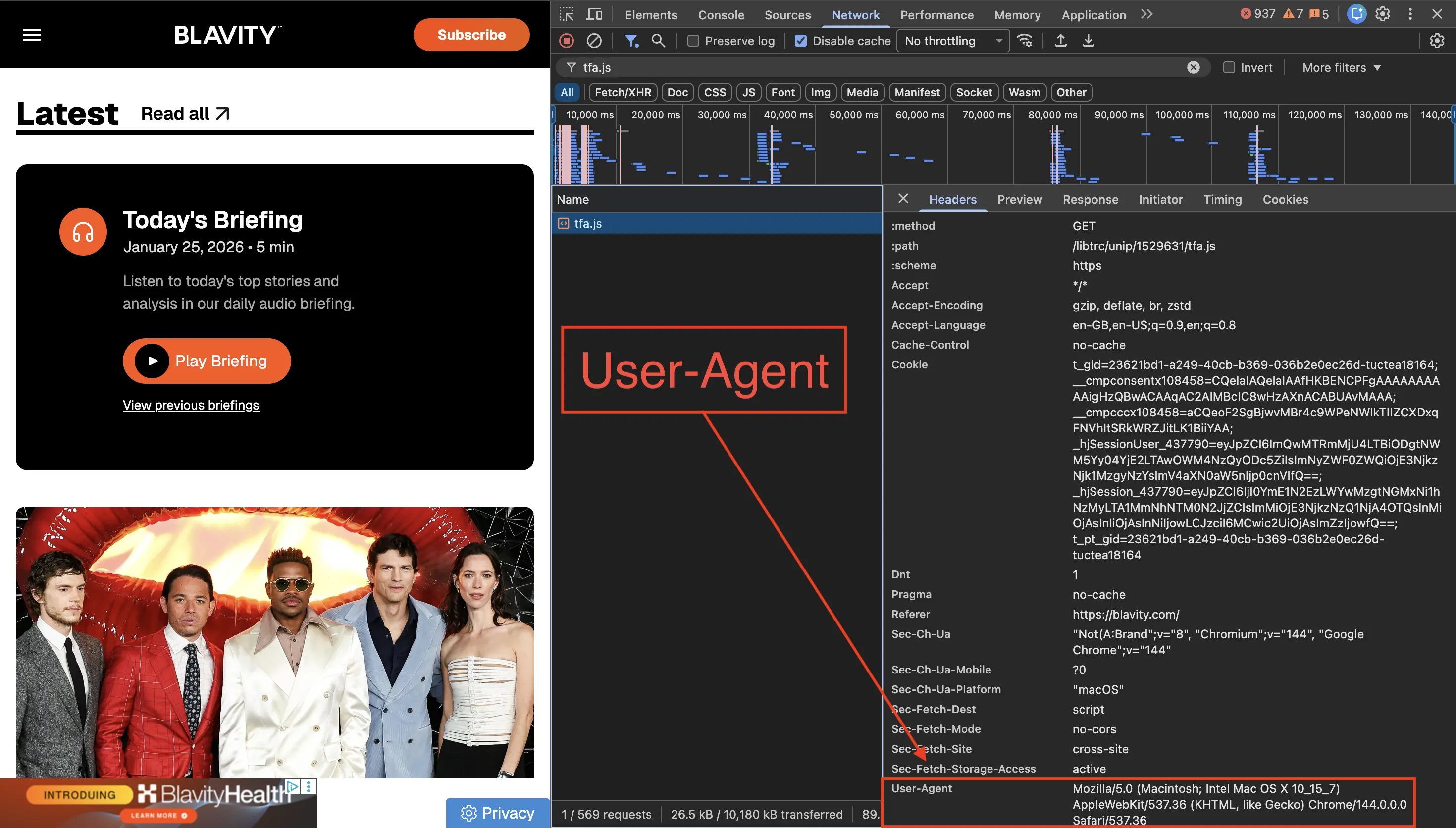
"A client complains that they are not seeing any conversions registered for the event named 'lead3' and provides this screenshot of their implementation. What is the cause for this error and how would you recommend that the client fix it?"
The client's getting: Uncaught ReferenceError: _tfa is not defined
The client's code
<!-- Taboola Pixel Code -->
<script>
    _tfa.push({notify: 'event', name: 'lead3', id: 1163});
</script>
<noscript>
    <img src='//trc.taboola.com/1163/log/3/unip?en=lead3'
        width='0' height='0' style='display:none'/>
</noscript>
<!-- End of Taboola Pixel Code -->

<!-- Taboola Pixel Code -->
<script type='text/javascript'>
    window._tfa = window._tfa || [];
    window._tfa.push({notify: 'event', name: 'page_view', id: 1163});
    !function (t, f, a, x) {
        if (!document.getElementById(x)) {
            t.async = 1;t.src = a;t.id=x;f.parentNode.insertBefore(t, f);
        }
    }(document.createElement('script'),
    document.getElementsByTagName('script')[0],
    '//cdn.taboola.com/libtrc/unip/1163/tfa.js',
    'tb_tfa_script');
</script>
<noscript>
    <img src='//trc.taboola.com/1163/log/3/unip?en=page_view'
        width='0' height='0' style='display:none'/>
</noscript>
<!-- End of Taboola Pixel Code -->
What's happening
The scripts are in the wrong order. The _tfa.push() call for 'lead3' runs before the main Taboola pixel code that creates the _tfa array.
JavaScript runs top to bottom. When the browser hits _tfa.push() on line 2, the variable doesn't exist yet because the pixel code that defines it is further down the page.
The fix
Move the 'lead3' event tracking after the main pixel initialisation:
<!-- Base Pixel (must come first) -->
<!-- Taboola Pixel Code -->
<script type='text/javascript'>
    window._tfa = window._tfa || [];
    window._tfa.push({notify: 'event', name: 'page_view', id: 1163});
    !function (t, f, a, x) {
        if (!document.getElementById(x)) {
            t.async = 1;t.src = a;t.id=x;f.parentNode.insertBefore(t, f);
        }
    }(document.createElement('script'),
    document.getElementsByTagName('script')[0],
    '//cdn.taboola.com/libtrc/unip/1163/tfa.js',
    'tb_tfa_script');
</script>
<noscript>
    <img src='//trc.taboola.com/1163/log/3/unip?en=page_view'
        width='0' height='0' style='display:none'/>
</noscript>
<!-- End of Taboola Pixel Code -->

<!-- Event Pixel (comes after base pixel) -->
<script>
    _tfa.push({notify: 'event', name: 'lead3', id: 1163});
</script>
<noscript>
    <img src='//trc.taboola.com/1163/log/3/unip?en=lead3'
        width='0' height='0' style='display:none'/>
</noscript>
Pixel code loads first; conversion events come after.